Applications list
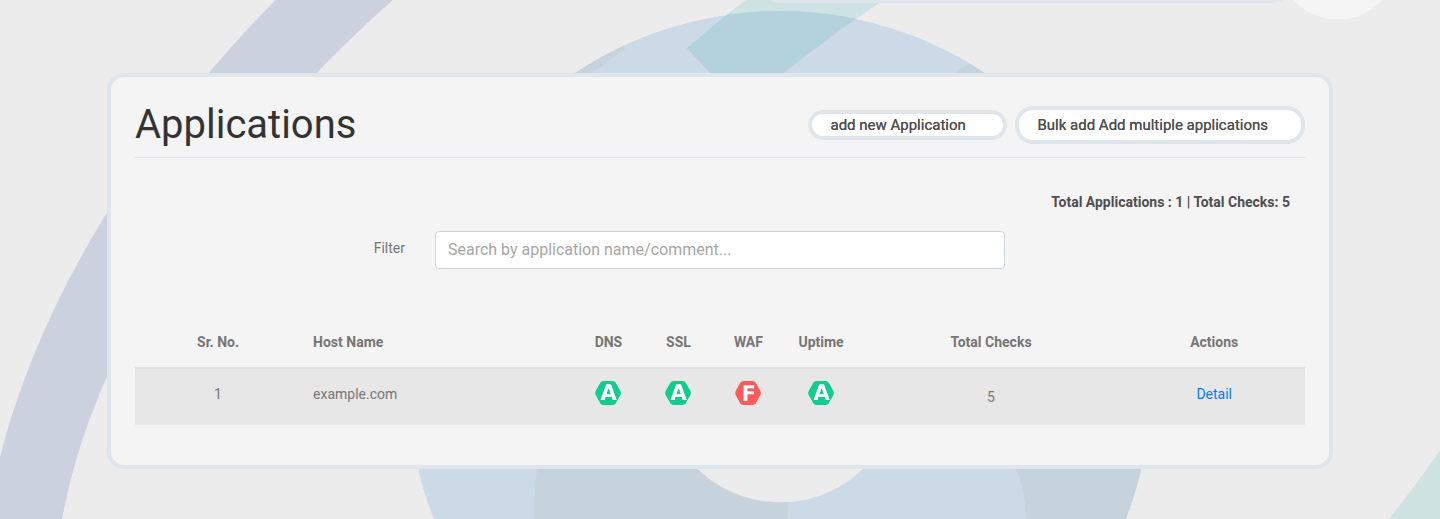
The applications list shows all hostnames in the current project.
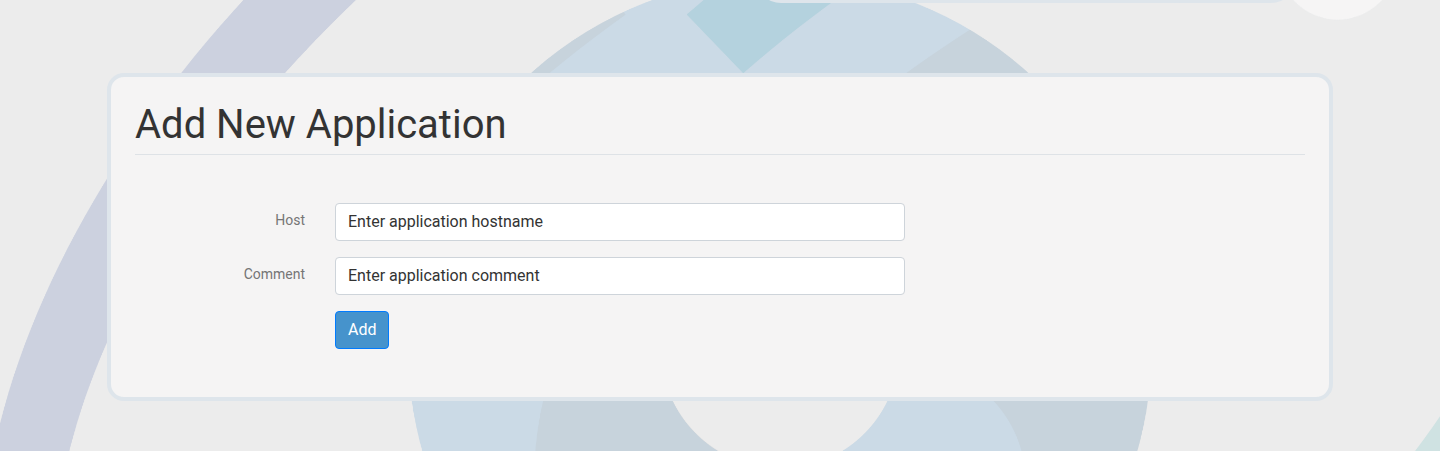
Create an application
- Open Applications.
- Click Create.
- Enter a hostname and display name.
- Save to generate default checks.
Bulk add
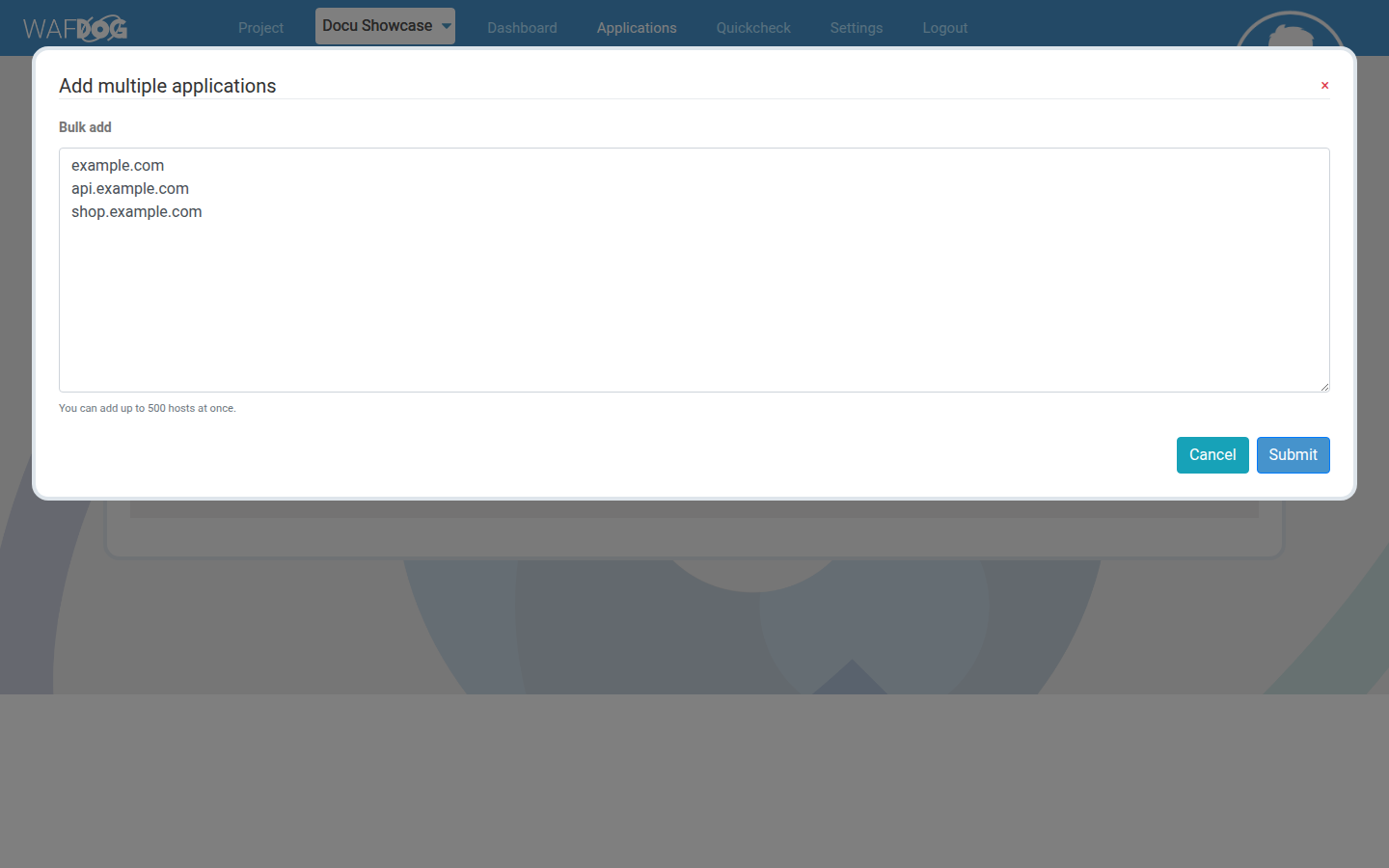
Bulk add allows you to paste multiple hostnames at once. This is useful during migrations.
Application detail
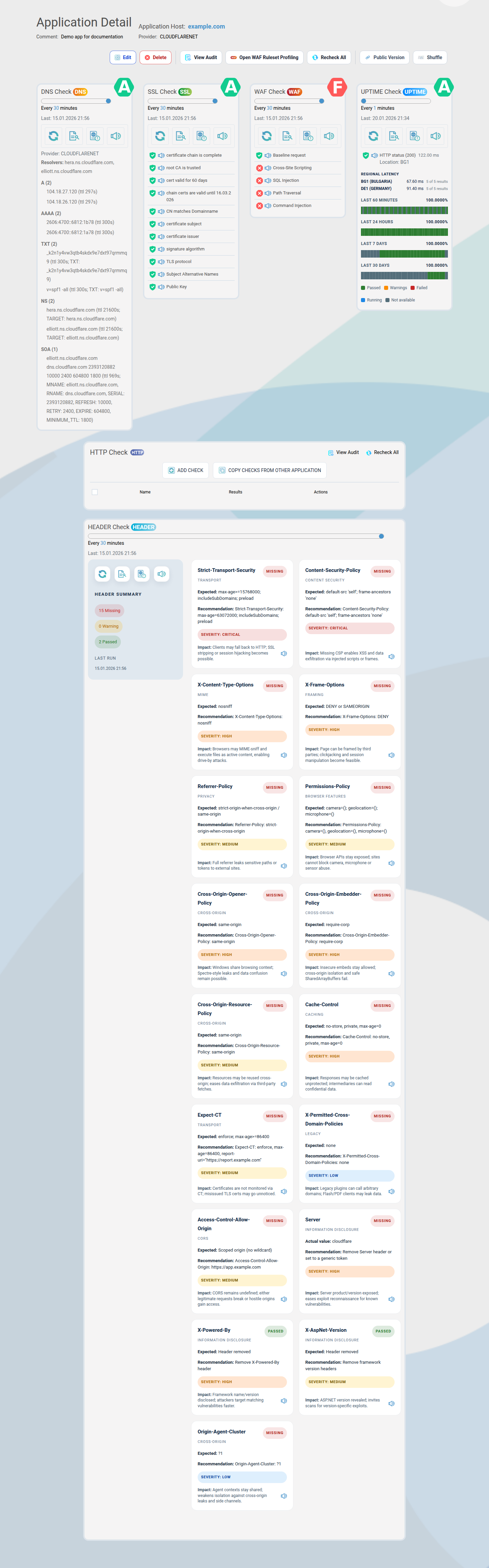
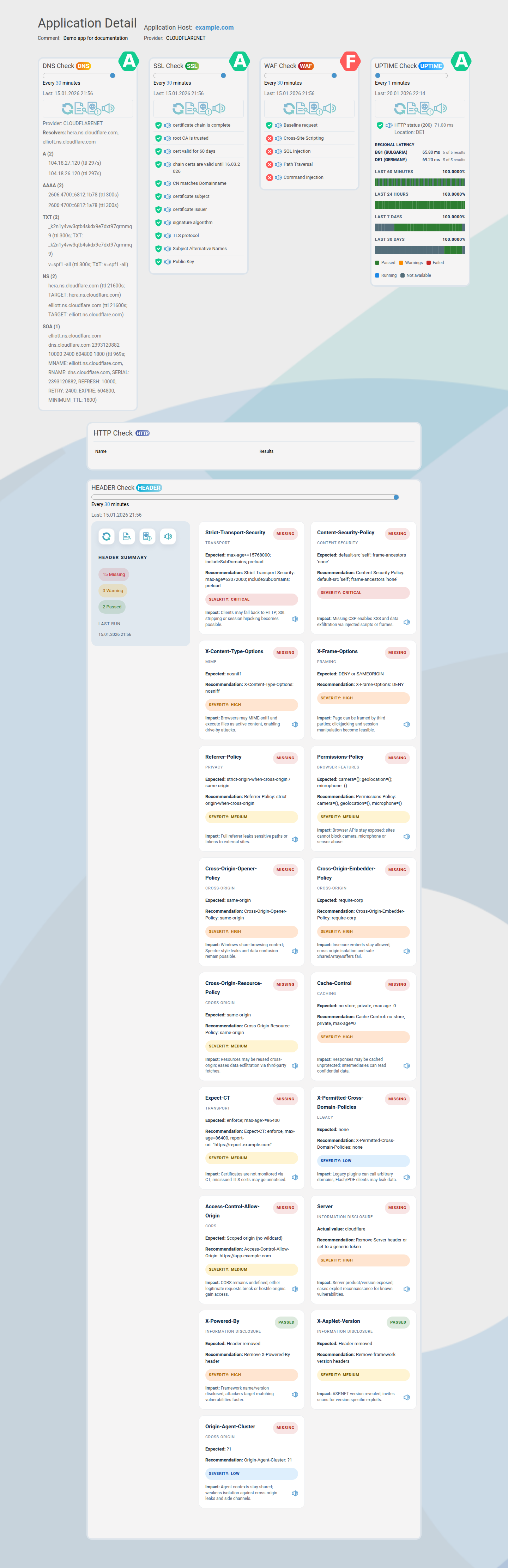
Application detail pages include checks, status, and actions such as sharing.
Edit or delete
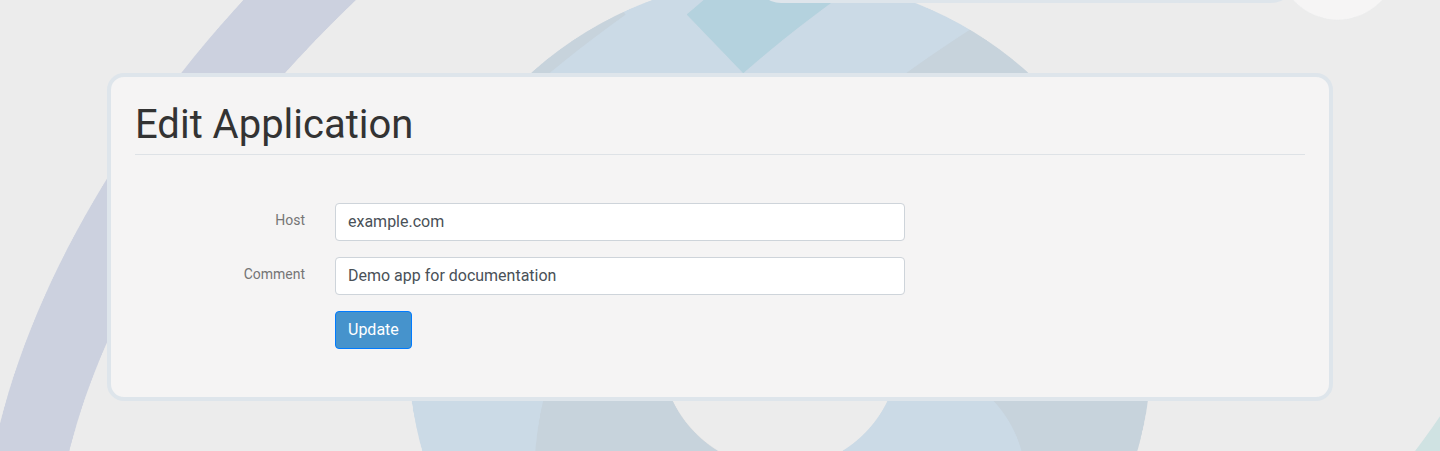
Update application metadata or remove retired hostnames.
Verification methods
Verification proves ownership before checks can run.
- Secret: return a short secret value on the hostname.
- DNS: add a TXT record containing the secret.
- Well-known: host a file at a required path.
Public share
Generate a read-only link for stakeholders. You can rotate the token if needed.
Audit trail
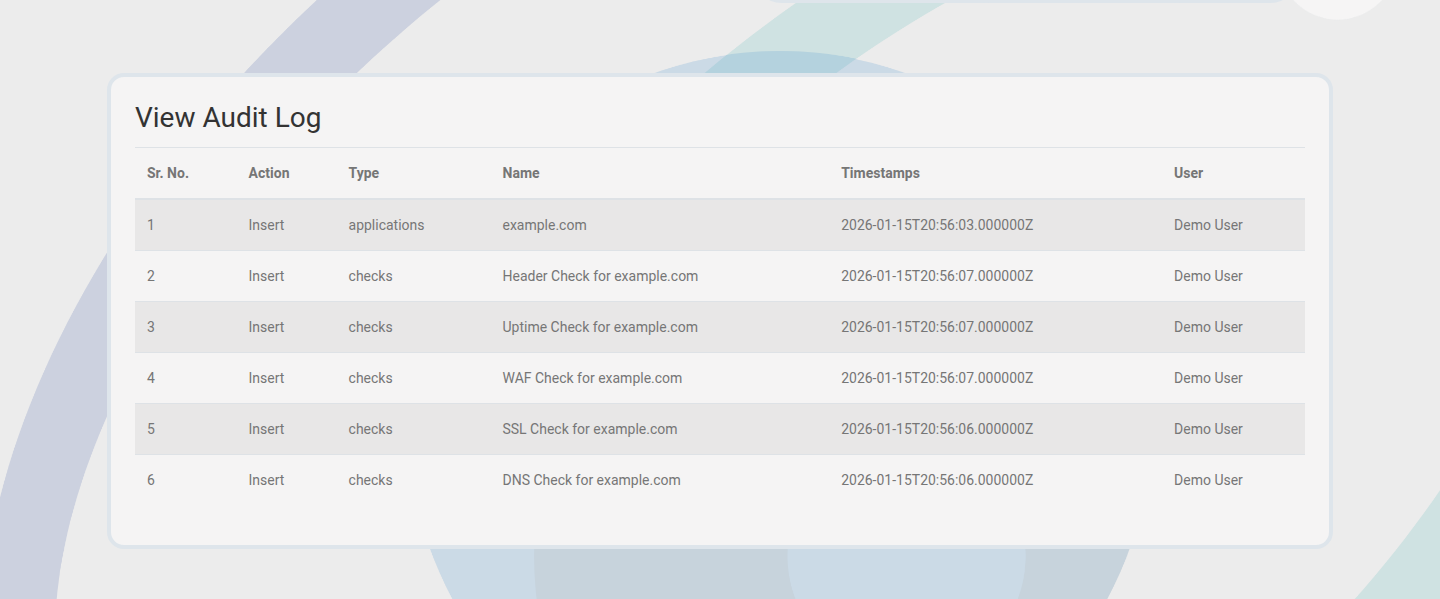
Application changes are recorded for accountability and compliance.