
Projects overview
Projects define ownership, billing, and access. Every application and check belongs to exactly one project.
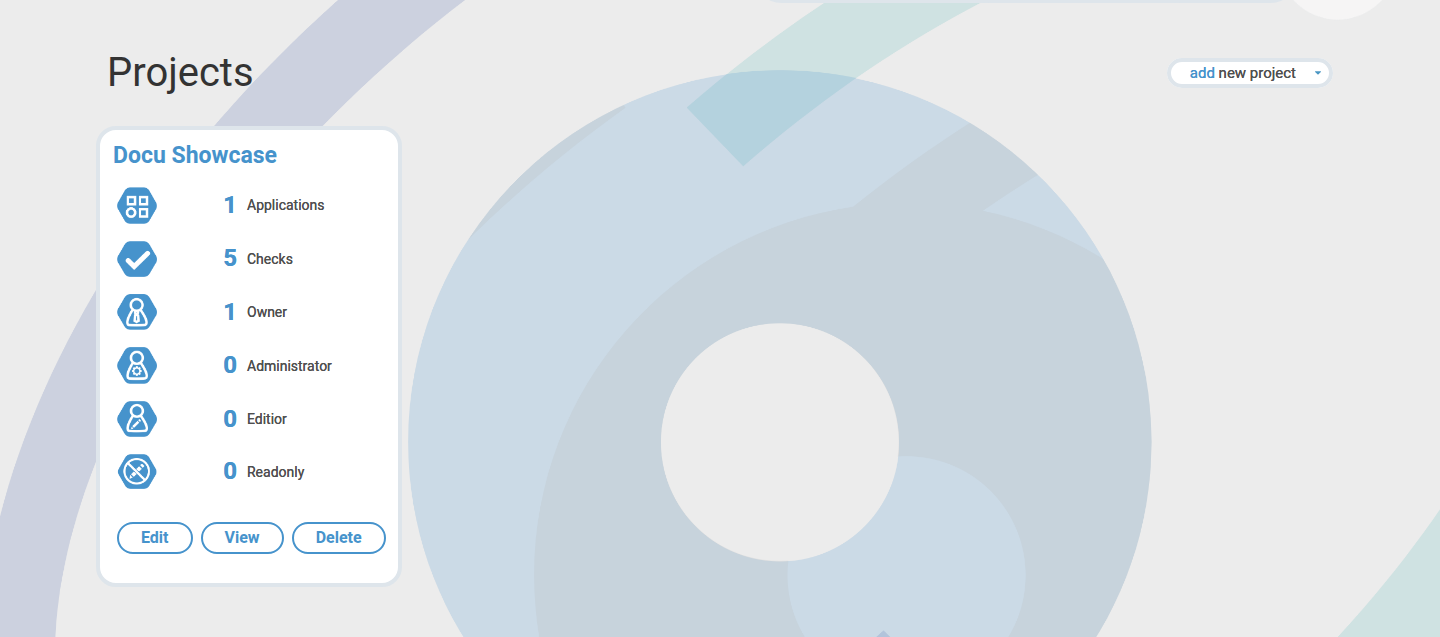
Create a project
- Open Projects.
- Choose Create.
- Enter name and metadata.
- Save the project.
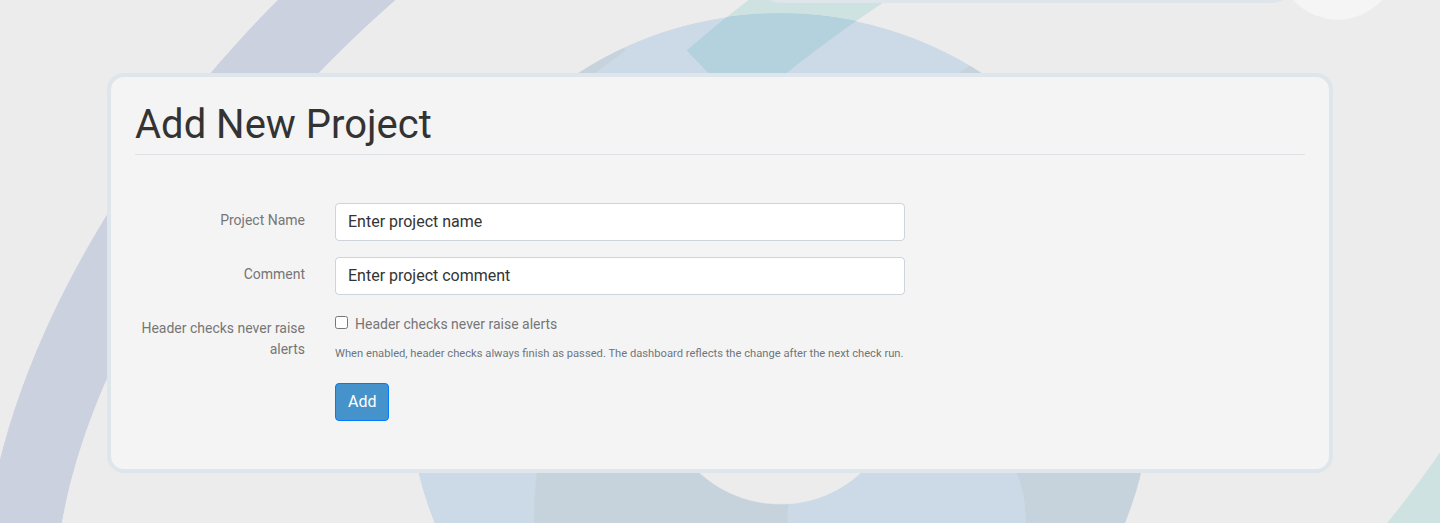
Edit project settings
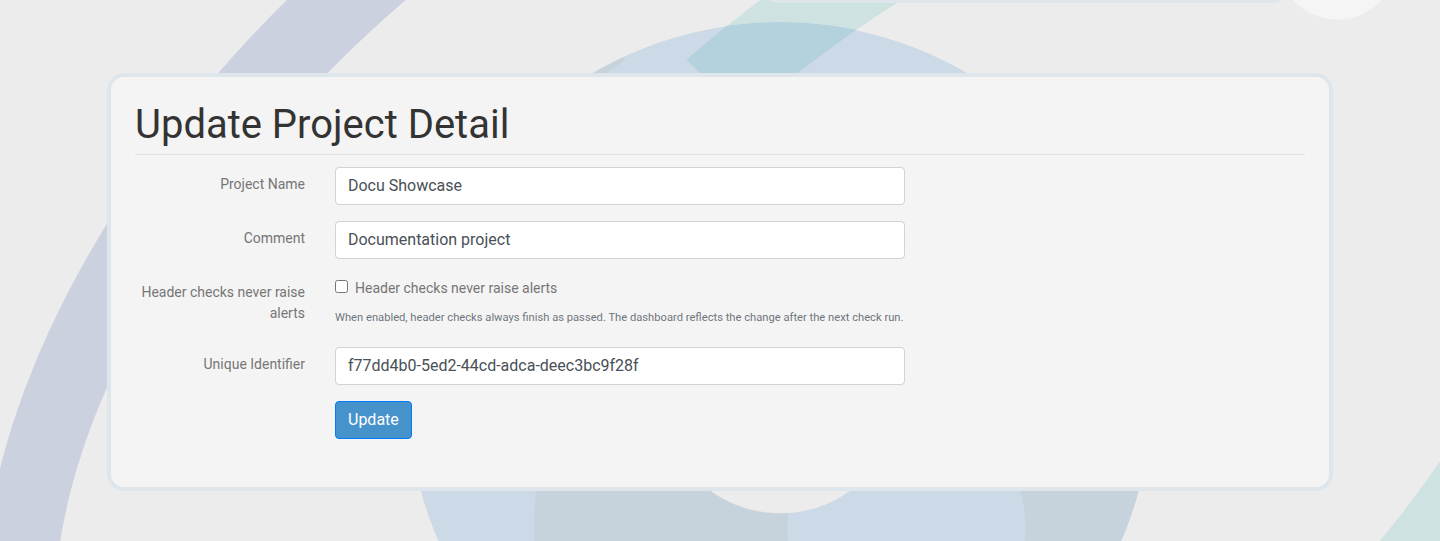
Update metadata and limits in the project settings page.
Project detail and modules
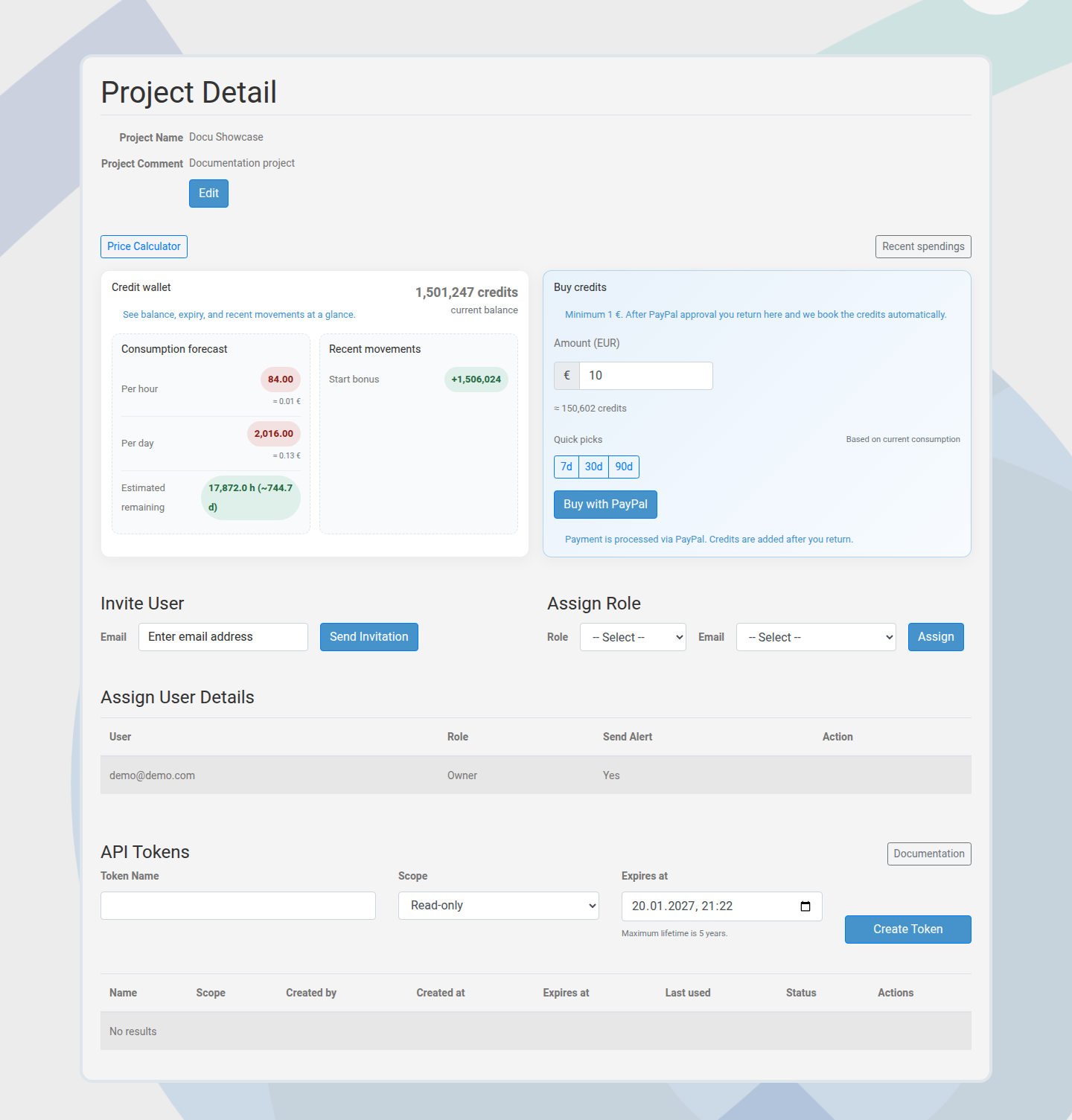
Project detail pages combine credits, invites, roles, and API tokens in one view.
Invites and roles
Invite teammates by email and assign roles to control access. Roles are project specific.
- Invitations generate a token that expires.
- Role changes take effect immediately.
- Remove access when a teammate no longer needs the project.
API tokens
Create tokens for automation. Tokens are shown once and cannot be recovered if lost.
- Use read scope for dashboards and reporting.
- Use full scope only for write operations.
- Rotate tokens regularly.
Credits and spend tools
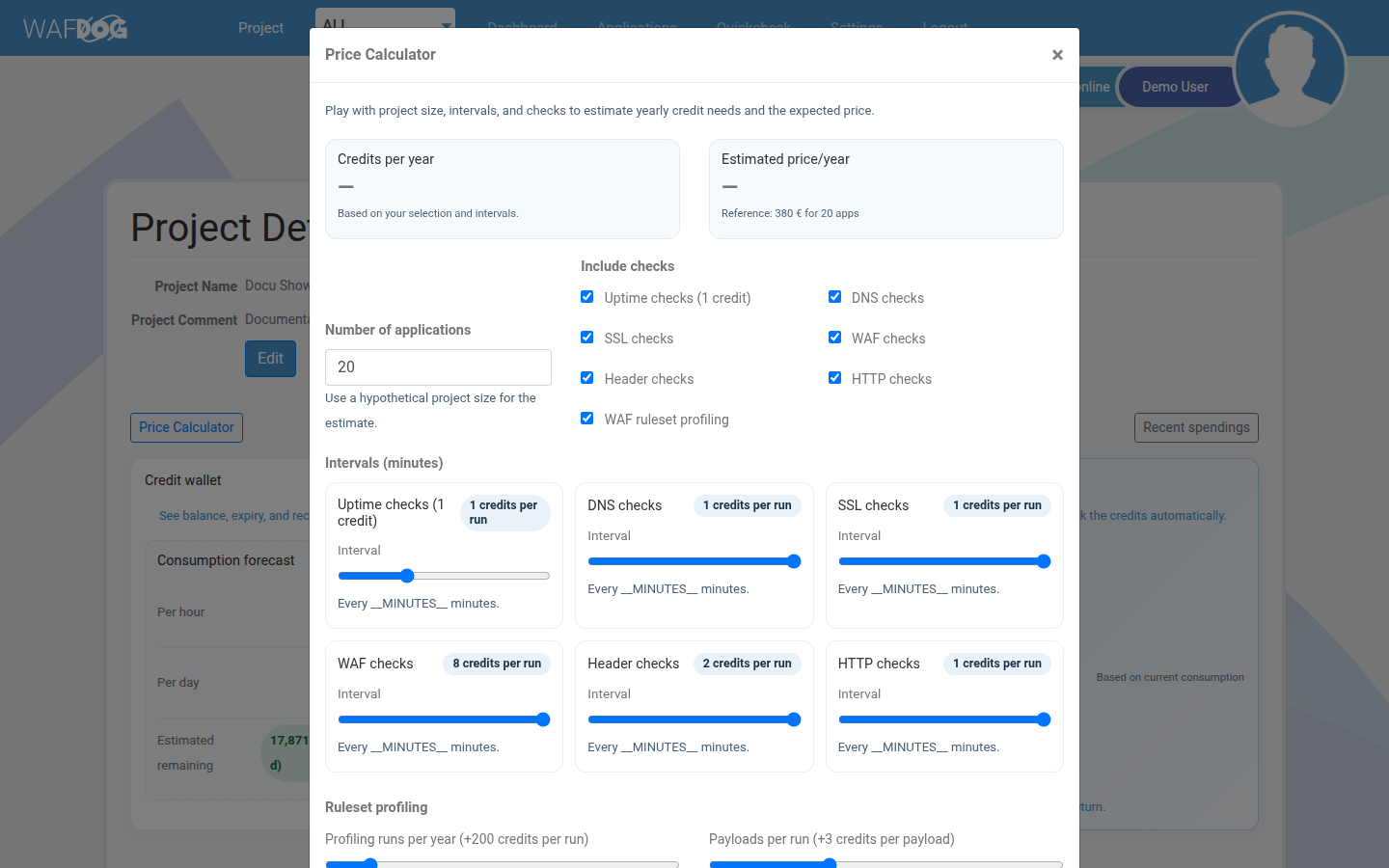
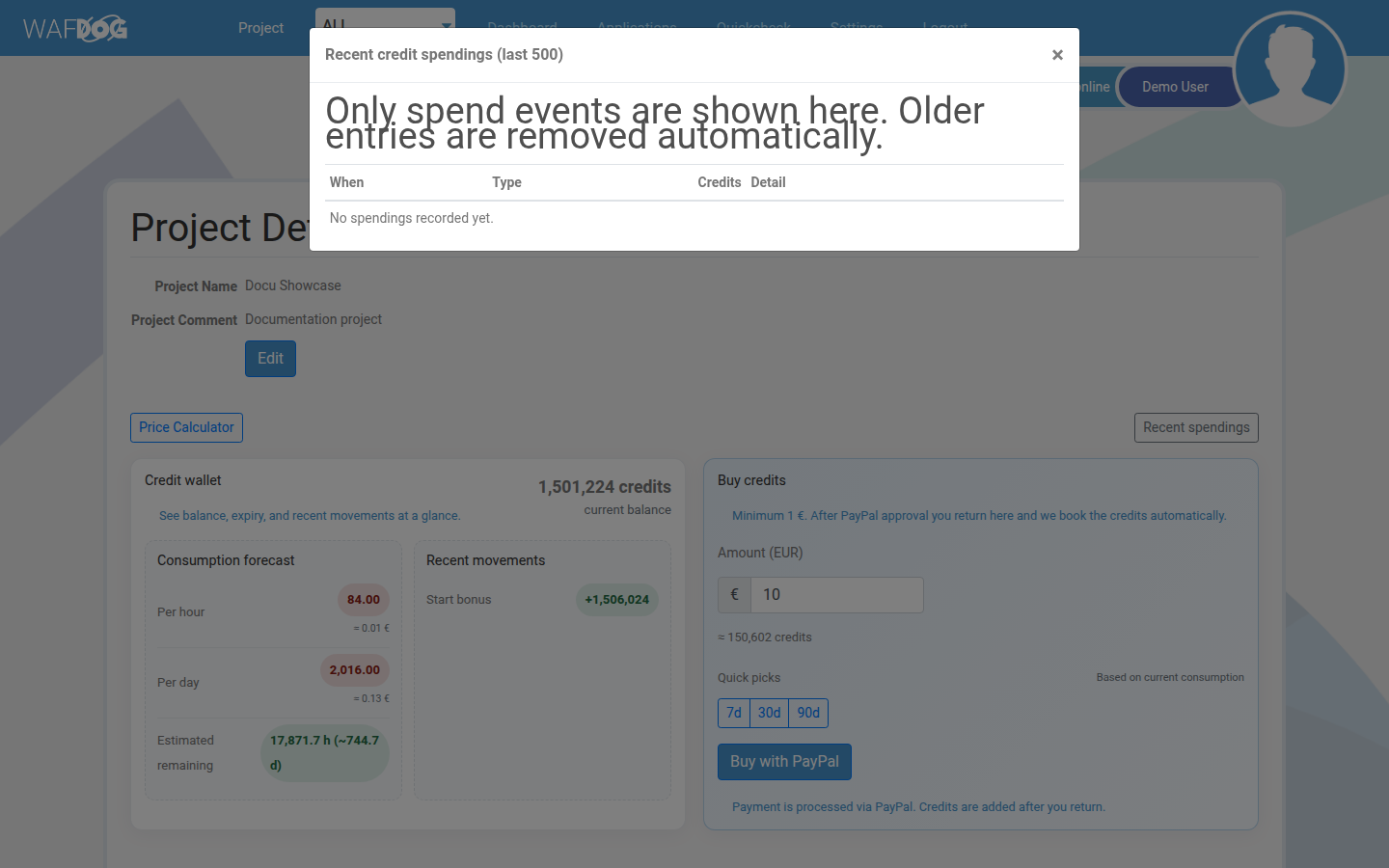
Projects track usage through credits and a spend log.
Credits are prepaid via PayPal and expire 365 days after purchase.
Delete a project
Deleting a project removes associated applications and checks. Use with care.