Govern access without slowing teams down

WAFDOG keeps projects accountable with role-based access, secure login controls, and simple recovery flows.

  • Invite teammates with clear roles.
  • Update project settings and account security fast.
  • Recover access without admin bottlenecks.

How-tos in this path

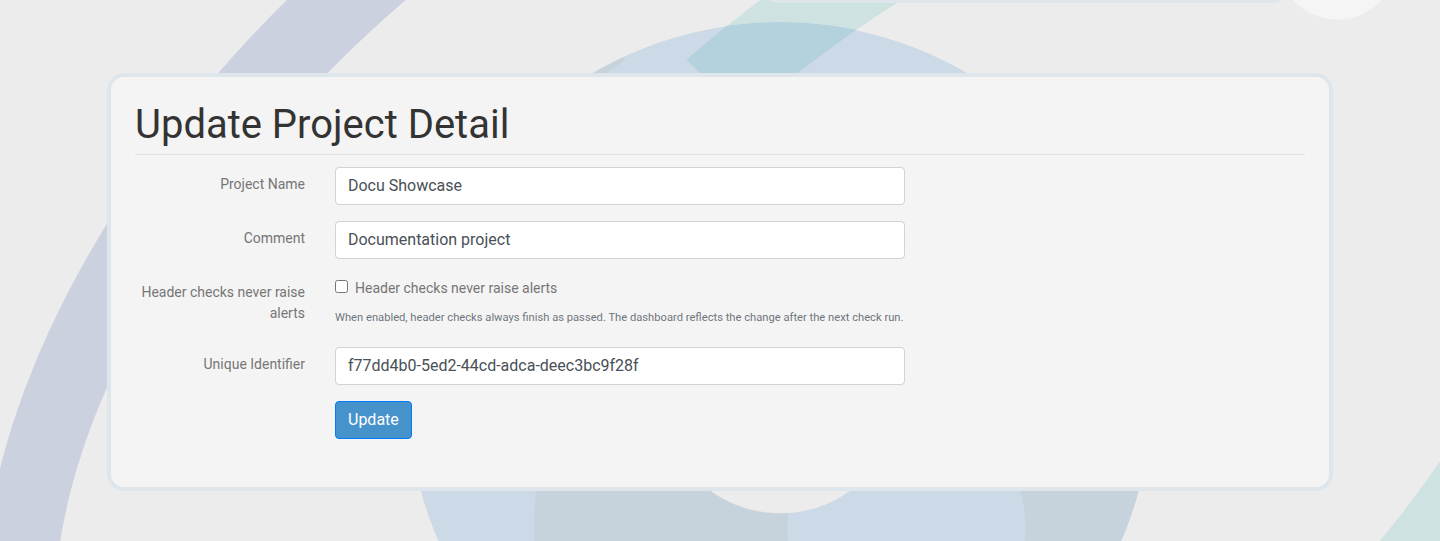
How to edit project settings

Member Projects 2 min

Keep project metadata, limits, and billing aligned with reality.

Steps

  1. Open the project settings page.
  2. Edit metadata, billing mode, or limits.
  3. Save to apply changes.

Outcome: Project settings stay current for the team.

Project settings form
Adjust project settings as scope changes.

How to invite teammates

Member Team 2 min

Bring security, ops, and product together with clear access.

Steps

  1. Open the team or members area for the project.
  2. Enter the email and select a role.
  3. Send the invitation and track its status.

Outcome: Invitations are sent with the correct role assignment.

Invite user form
Invite teammates directly from the project.

How to assign roles

Member Access control 2 min

Control who can edit checks, billing, and integrations.

Steps

  1. Open the team list for the project.
  2. Select a member and edit the role.
  3. Save and confirm permissions take effect.

Outcome: Access is updated without changing ownership.

Assign role form
Assign roles to keep access intentional.

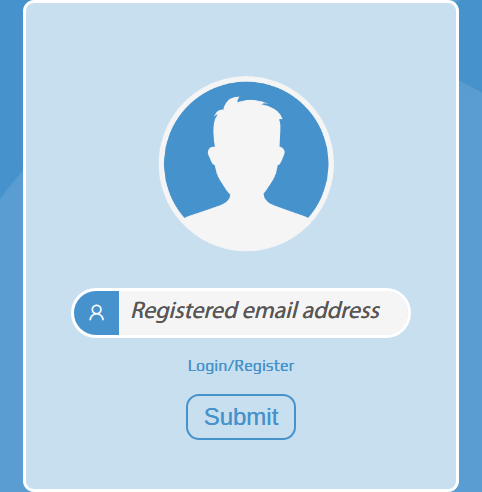
How to recover access

Member Access 5 min

Reset passwords quickly without admin help.
Steps

  1. Open the forgot password flow and request a reset link.
  2. Follow the email link and set a new password.
  3. Sign in with the new credentials.

Outcome: Account access is restored with new credentials.

Password reset form
Recover access fast through email reset.

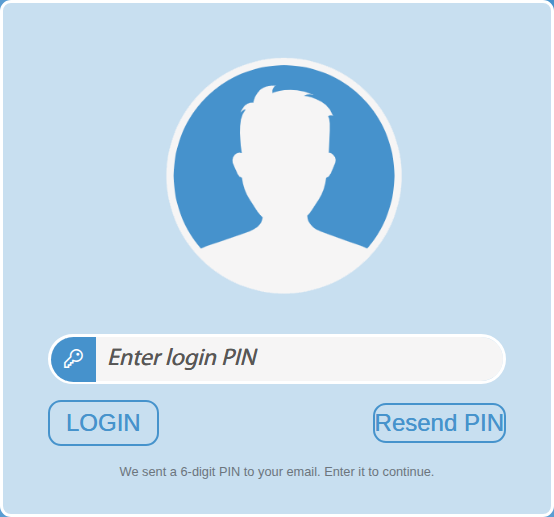
How to handle the login PIN

Member Security 2 min

Complete the extra PIN step after repeated failed logins.
Steps

  1. Request a PIN after the verification screen appears.
  2. Enter the 6-digit code from your email.
  3. Continue to the dashboard.

Outcome: Login is verified and access continues.

Login PIN prompt
PIN verification adds a security step after failures.

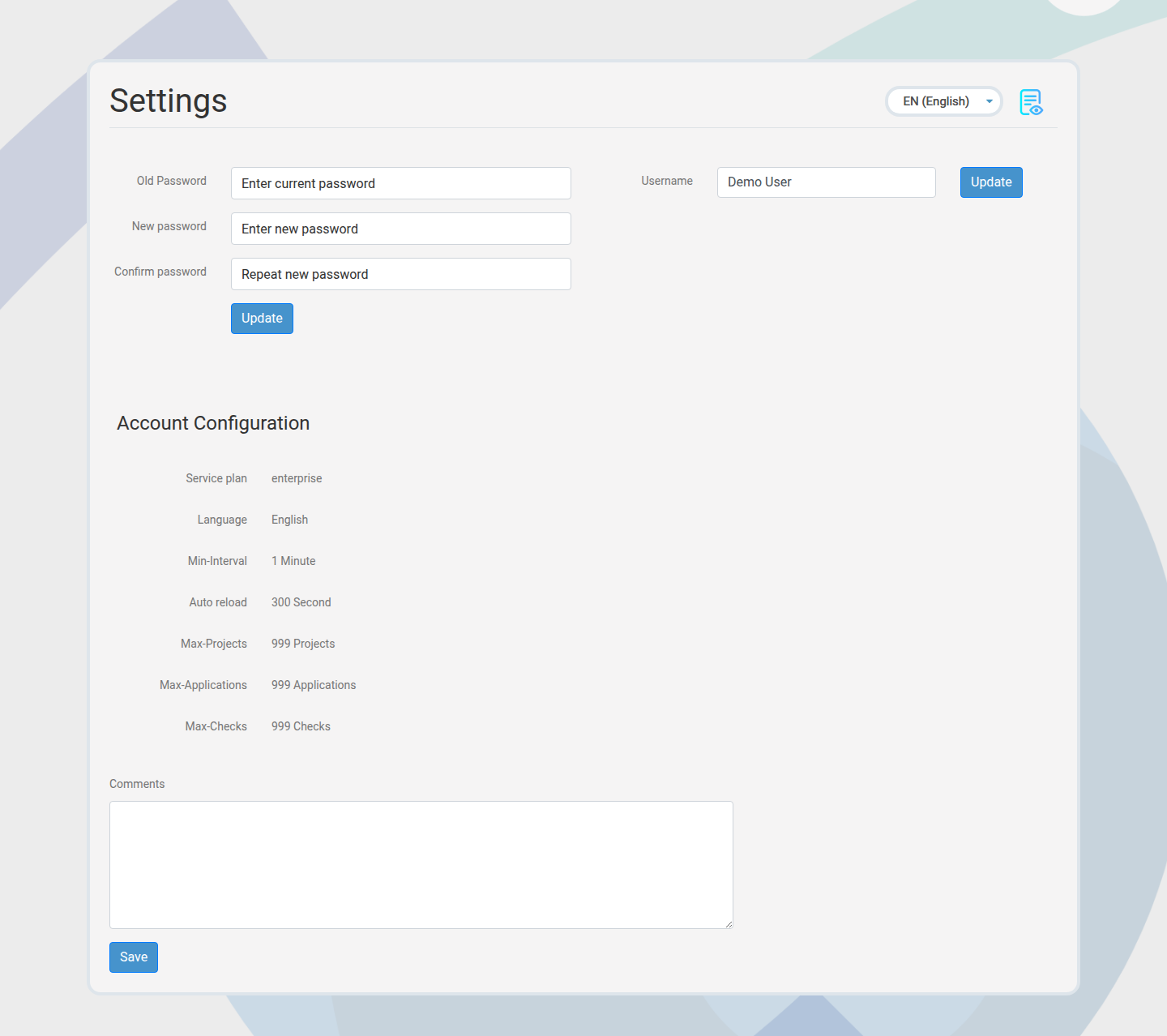
How to update account settings

Member Account 2 min

Keep profile details and security settings current.
Steps

  1. Open account settings.
  2. Update password, profile, or contact email.
  3. Save and confirm changes.

Outcome: Account settings are updated securely.

Account settings page
Maintain up-to-date account details.

Next paths to explore

Pair access governance with API automation and alerting.

API & Automation

Token management and API usage insights.

Alerts & Incident Response

Operational alerting and read-only sharing.