Automate with confidence

WAFDOG API v3 lets you integrate monitoring into CI, ticketing, and dashboards while keeping access scoped and auditable.

  • Create scoped tokens for read or full access.
  • Review logs to keep automation trustworthy.
  • Use API v3 for integrations and reporting.

How-tos in this path

How to create API tokens

Member API 3 min

Create scoped API access for automation, CI, or reporting.

Steps

  1. Open API tokens in the project settings.
  2. Choose scope and expiry.
  3. Copy the token once and store it securely.

Outcome: Token is active and ready for API calls.

API token creation form
Scoped tokens keep integrations safe.

How to review API logs

Member API Audit 2 min

Audit API usage and remove tokens that are no longer needed.
Steps

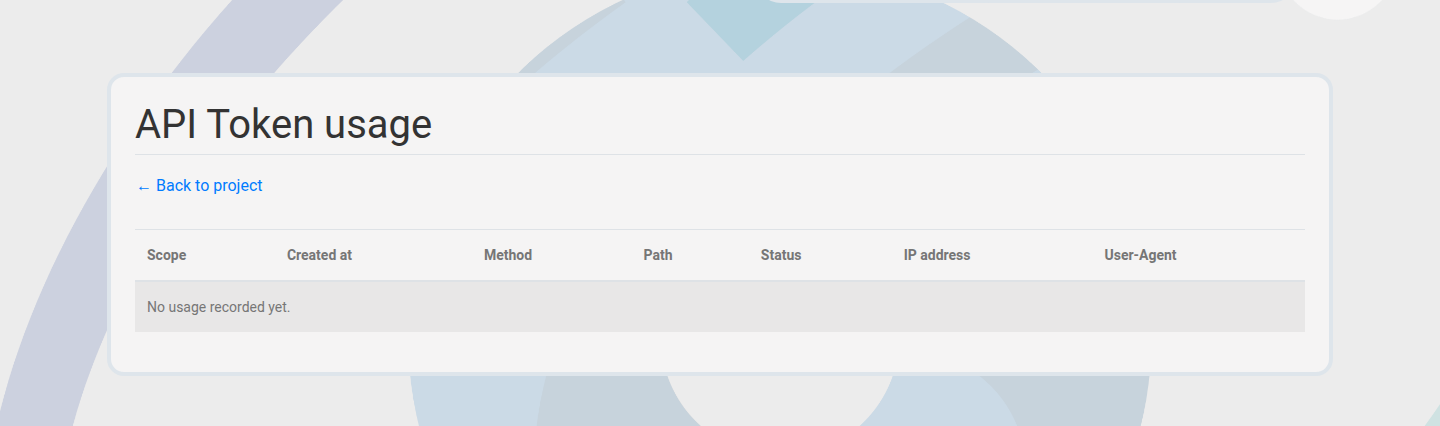
  1. Open the API token log view.
  2. Review last-used timestamps and endpoints.
  3. Revoke tokens that are unused or suspicious.

Outcome: API access is transparent and controlled.

API token log view
Track token usage and endpoints in one view.

How to use API v3

Member API Automation 5 min

Integrate WAFDOG with external tools via the REST API.

Steps

  1. Create a token with the required scope.
  2. Call the API endpoint with the token.
  3. Validate JSON responses in your tooling.

Outcome: Automation works with scoped access.

Next paths to explore

Pair API automation with access governance and billing transparency.

Team & Access Governance

Invite teammates and manage roles.