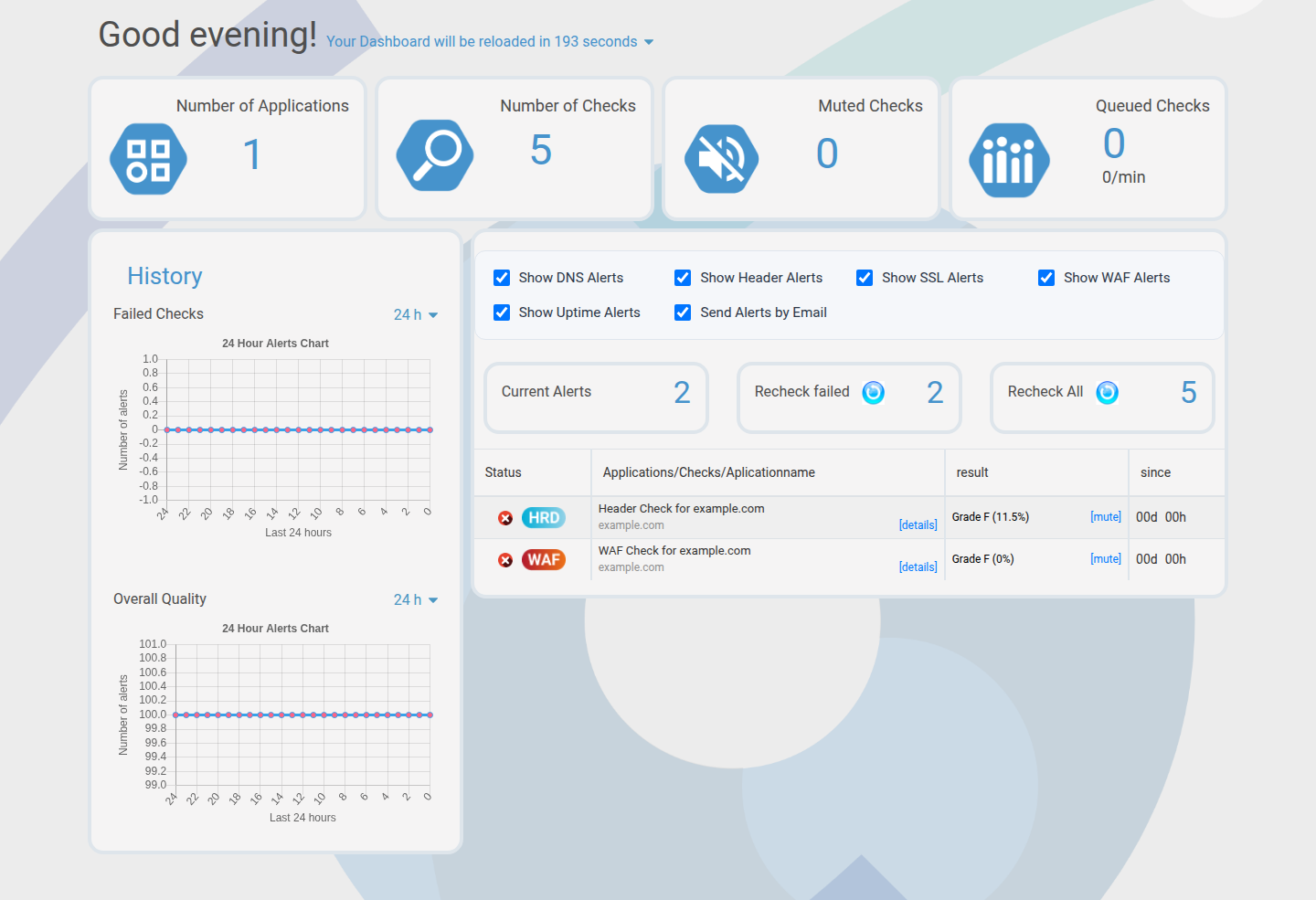
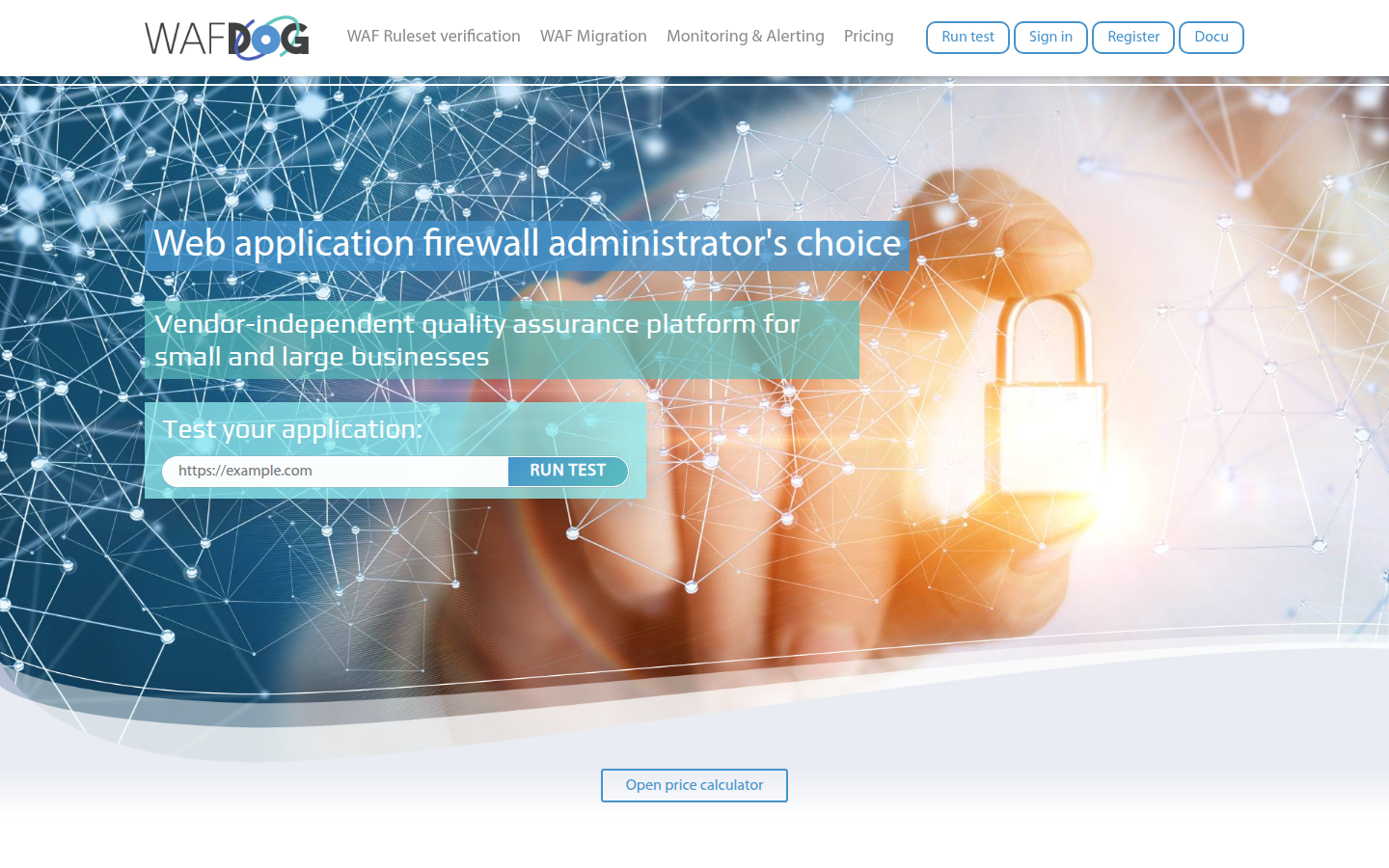
Welcome to the WAFDOG handbook
This documentation covers the public portal, the member portal, and API usage. Admin V2 is excluded.
Use the navigation on the left to jump into detailed chapters, or start with the quickstart for a guided path.
New here? Start with Quickstart and complete your first project in under 30 minutes.
Sign up now – EUR 100 bonus credit included.
Create a project, verify ownership, and start monitoring within minutes.
Why WAFDOG
Vendor independent verification
Single source of truth
Shareable status
WAF profiling
Credit based usage
Public tools
Start here
- Create an account and sign in.
- Create your first project.
- Add an application hostname.
- Verify ownership of the hostname.
- Review default checks and results.
- Configure alerts and share status.
Follow the detailed instructions in Quickstart.
Documentation map
Guestcheck vs Quickcheck vs Checks
These tools sound similar but serve different jobs. Use the quick matrix below, then dive deeper when needed.
| Tool | Access | Stores results | Best for |
|---|---|---|---|
| Guestcheck | Public | Yes, global scan list | First-time evaluation without login |
| Quickcheck (public) | Public | No | Single-request debugging and raw responses |
| Member Quickcheck | Member | No persistent check | Ad-hoc validation inside a project |
| Checks | Member | Yes, project history | Continuous monitoring and alerting |
| WAF profiling | Member | Yes, per run | Payload-based proof of WAF behavior |
Public tools at a glance
Guestcheck provides a fast public scan without login. It is a great entry point to evaluate WAFDOG.
Member portal highlights
Member accounts unlock project scoped monitoring, historical tracking, alerts, and WAF profiling.